


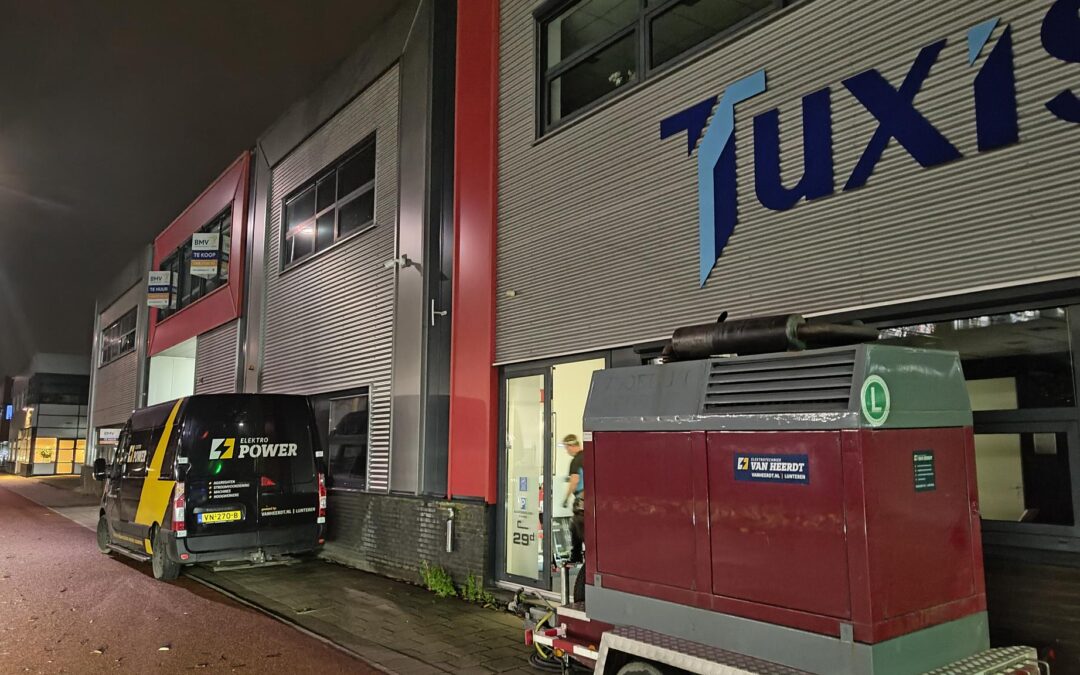
Tuxis-1 Powersupply extended
Tuxis has created a stable cloud solution that is stretched over multiple datacenters, we call it TCC.
Since we started using our own datacenter Tuxis-1 back in 2022 we have chosen to equip the datacenter with only a UPS, not a generator. The TCC is datacenter-indepedent; thus a powerfailure in our single datacenter will not introduce any extensive issues in the solution that we’re delivering.

Theoretically, that is correct. And technically, it makes sense. However, there are other considerations too. For instance, customers told us that even though it makes sense, it’s not really appealing. Secondly, since the Netherlands is suffering from ‘netcongestion’, the risk of power outages is higher than before.
Thus, time to take action!
We bought a diesel generator earlier this year and started implementation of the device. Because the amount of space outside of our datacenter is limited and for security reasons, we renovated a few storagerooms in our building, designating one of them for the generator.
A generator needs cooling and fresh air to keep running, for which some serious air vents have been installed. They open and close automatically after the generator starts and shuts down, assuring it has all the fresh air it wants.
Connecting a generator
To connect a generator to an existing setup, one needs to make the existing setup powerless for the security of the engineers working on the setup. Because we already have cloud-equipment running in the datacenter, we needed to keep the datacenter up and running. Downtime is not an option for us.
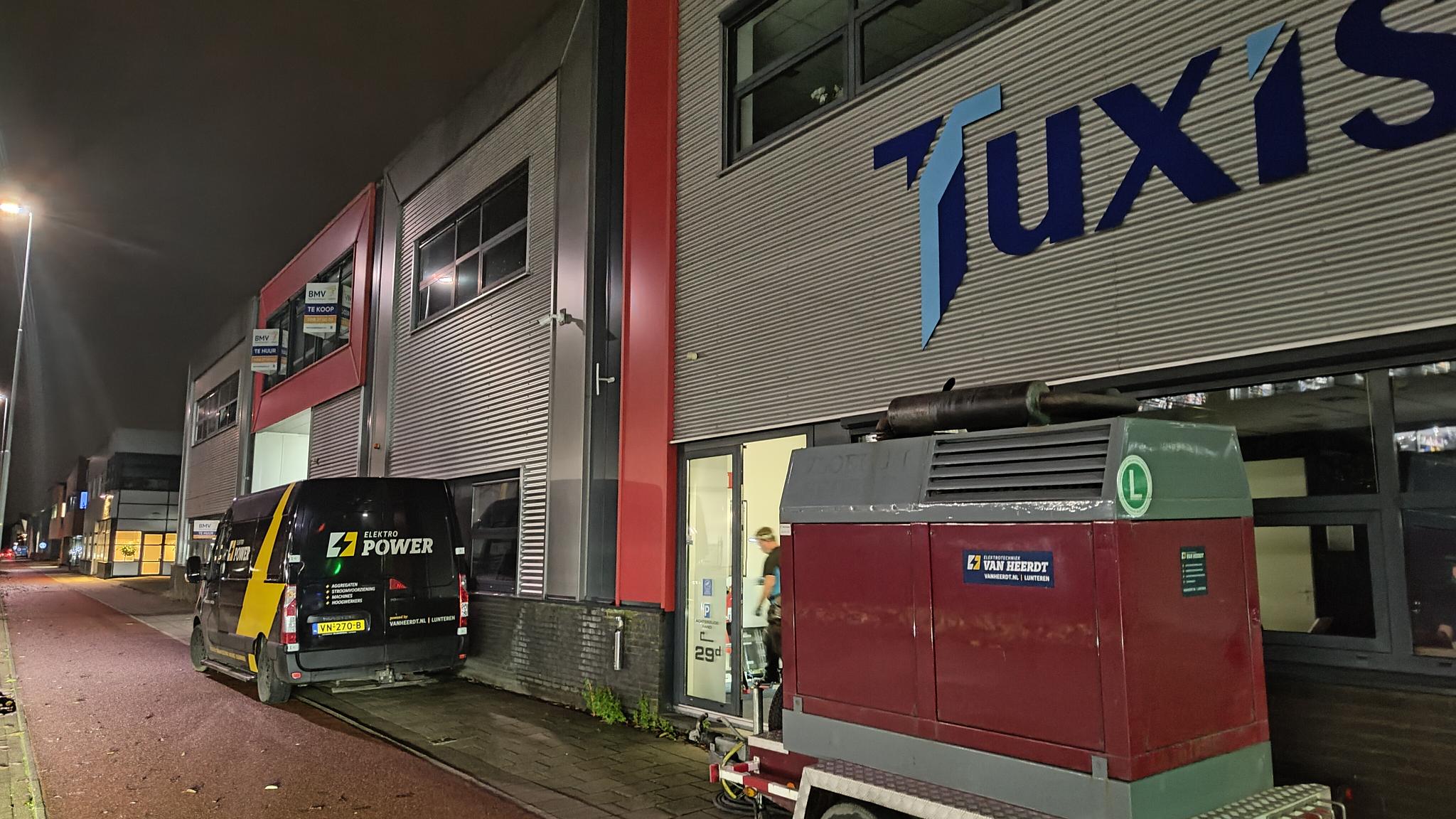
We had already forseen this issue when we started building this datacenter, so we were able to connect a temporary generator to the datacenter UPS. After determining that that powersupply was stable, we disconnected the building from the mains and kept the datacenter running on the temporary generator.
After all the hard work of the power engineers, we tested the generator and switched back to main power supply.
Testing the whole stack
This morning, around 6.00, we tested the whole stack. A test we will run on a monthly basis to make sure that the powersupply is stable and reliable, even if the mains fail.
Synchronous failover
What our setup allows us to do, is a synchronous failover. When we turn the key, the ATS will power up the generator, which will be delivering power in a few seconds. The ATS will then wait for the two sinusses of the generator and mains to overlap and when that happens, it will switch over to the other power source. The mains run at a steady 50Hz, but the generator runs between 49.9 and 50.1 Hz, so eventually, they will overlap. Using this technique, the switch over can happen without any interruption of the power supply.
That was the first test we did this morning. Both switching from mains to generator and vice versa worked without any interruption.
After that, we performed a black building test. The engineer switched the mains down, after which the ATS detects loss of power. It starts the generator and waits for stable power supply. Obviously, this causes the lights to go off. The datacenter remains powered because it is protected by the UPS. When the ATS detects the power coming in from the generator, it will switch to generator power.
After ~ 15 minutes, we reinstated the main power supply and the ATS performed a synchronous failback. After the administrative tasks of checking all the server monitoring, temperatures and fuel-levels, we can happily say that all tests have been executed succesfully!
Footage
We created a small video showing what happened this morning.